Quick take
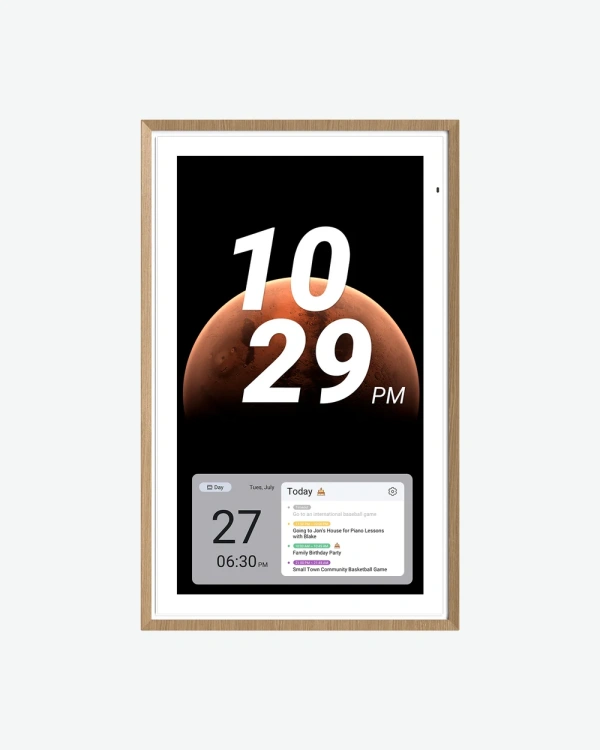
The 27" is where this calendar stops being a nice-to-have and starts acting like an actual family command center. It's big enough to read from across an open kitchen, which changes how it gets used, people glance at it from a distance instead of walking up and tapping it every time.
What it actually does
Same two modes as the smaller sizes: Focus mode lays out the calendar, routines, meals and reminders at a glance, and Custom mode turns it into an Android-style dashboard with widgets for weather, the doorbell, music, stocks, whatever you want pinned. At 27 inches, a full week view, the day's chore list, and a meal plan can all sit on screen together without anything feeling squeezed.
The chore-to-points system carries over, and on this size it's genuinely easier for a bigger household, four or five people can each see their own task list laid out clearly instead of scrolling through a cramped column. Parents managing several kids' routines will notice this the most.
Meal planning, a shared grocery list, and Stickies (quick notes with a photo or emoji) all work the same way too, there's just more visual breathing room for a longer grocery list or several pinned reminders at once.
It still works as a no-subscription photo frame through Google Photos, and takes voice commands through "Hey Google." It also connects to Google Home, so a doorbell feed or smart light status can show up right on the calendar without switching apps.
Being the size most likely to hang somewhere visible to guests, the one-swipe privacy cover matters more here than on the smaller models. The anti-glare matte glass is worth noting too if this is going in a bright kitchen or near a window.